
Quick Start Guide
This guide shows you how to get started with VoteAmerica Plus platform. If you have your brand colors and logos ready, setup can be completed in about 5 minutes.
Before you start make sure you have:
- A link to your privacy policy
- Your brand logos, colors, and copy you want on your microsite
-
Create your account: secure.voteamericaplus.org/signup
-
Set your microsite subdomain. This must be unique but we do recommend making it close to your organization name to maintain brand trust. This will be the landing URL to share with your audience
Ex: myaccount.voteamerica.org
-

- Check your email to complete the account creation process
-
Log into your account: secure.voteamericaplus.org
- Since we are dealing with secure voter data 2FA is automatically turned on. You’ll need to get a code from your email every time you log in
-
Complete company setup
- On the left hand panel under COMPANY > SETTINGS
- Add your privacy policy URL
- From this screen you’ll also be able to configure integrations. Connect with the America Votes team for support
- On the left hand panel under COMPANY > TEAM you can add more members of your teams.
-
Note: there is only one level of access
-
- On the left hand panel under COMPANY > SETTINGS
-
Configure your microsite
-
On the left hand panel under USE THE TOOLS > MICROSITES AND EASY LINKS select CUSTOMIZE
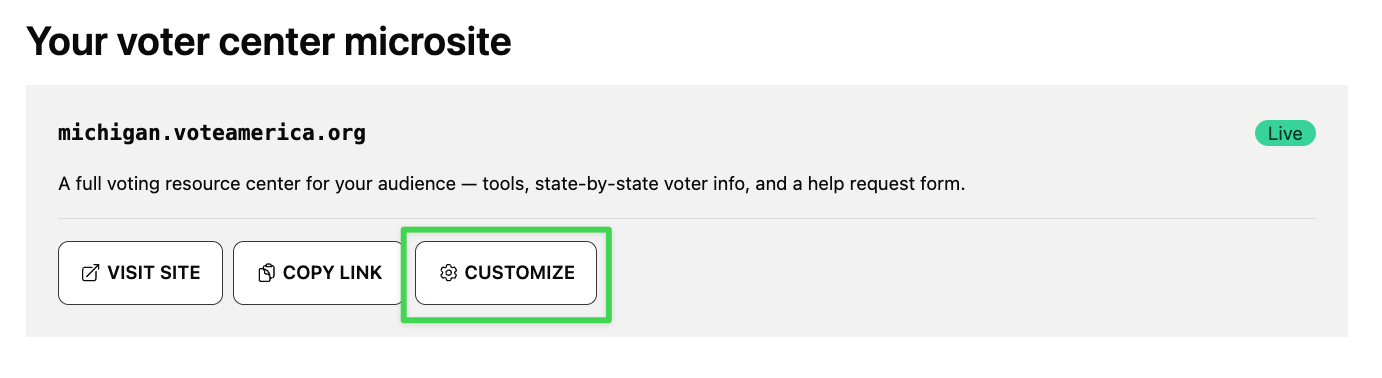
- Set your brand colors, upload your logos/favicon, add text, and customize your footer.
-
For a better sense of customization options check out demo.voteamerica.org
-
-
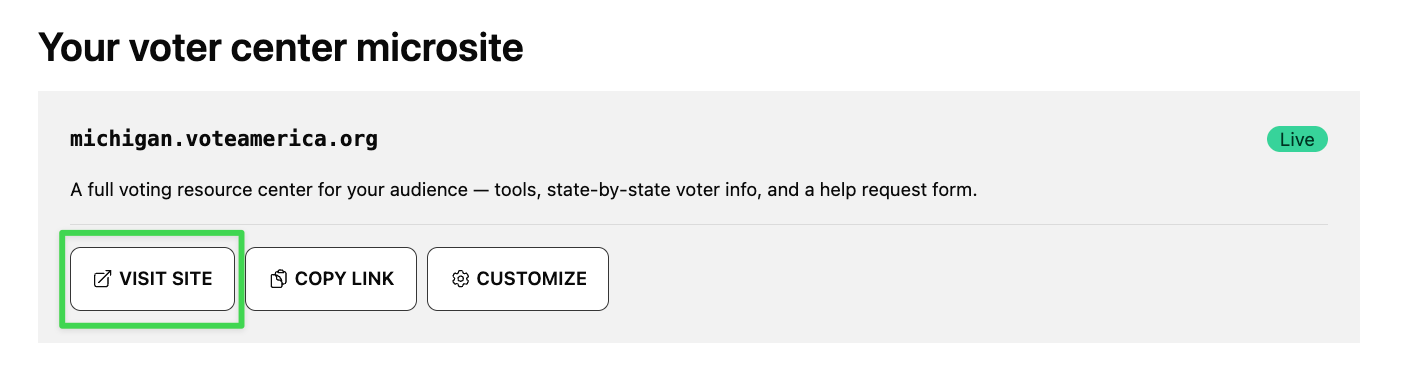
Double check your microsite to make sure it is looking good
-
-
Share your links!
- Select USE THE TOOLS > MICROSITES AND EASY LINKS and scroll down to easy links. You can now share these links to start helping people vote!
- Learn more about what tools to use and when here
- Select USE THE TOOLS > MICROSITES AND EASY LINKS and scroll down to easy links. You can now share these links to start helping people vote!
Additional resources: